🌱Unbounce: A Complete Guide for Marketing Professionals
Step 1: Set Up Like a Pro (So You Don’t Rebuild Later) - Create your account at unbounce.com. Plans start around $74–$99/mo depending on features. If you’...
From Blank Page to Conversion Machine: My Unbounce Crash Course
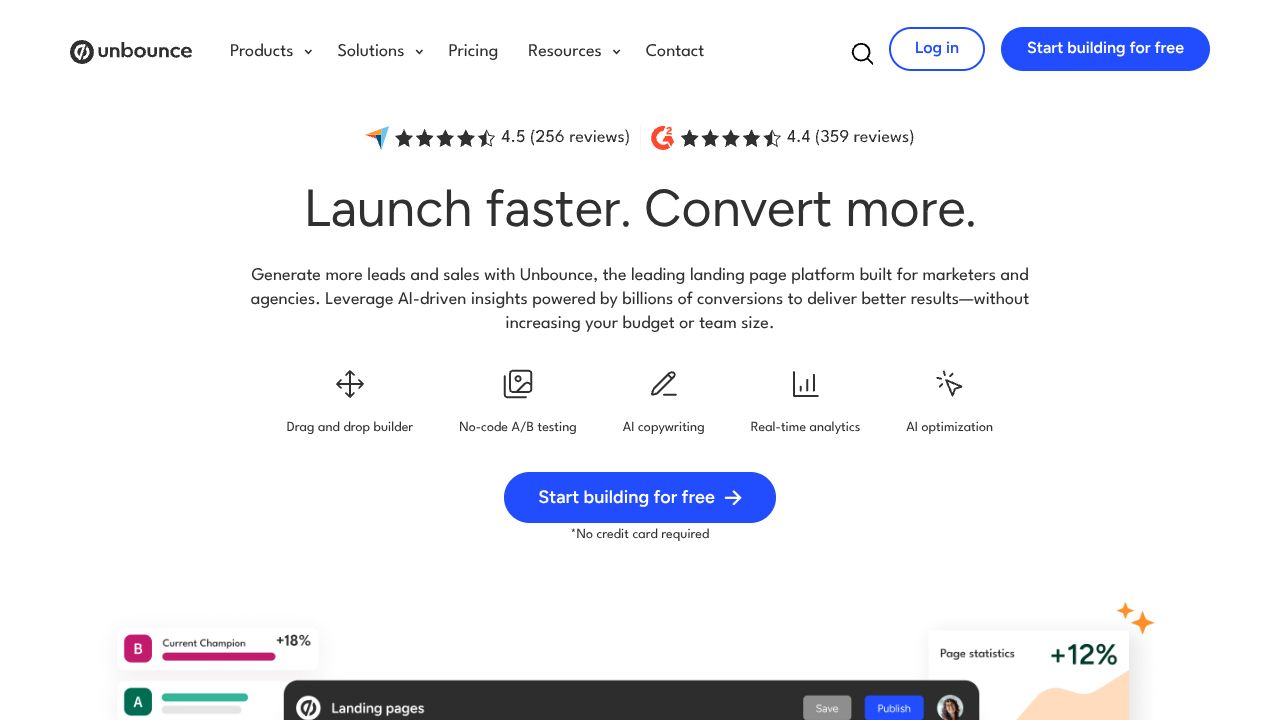
Ever spent hours trying to duct-tape a landing page together, only to watch your ad spend vanish like my best ceramic mug on a concrete floor? Unbounce fixes that. It gives marketers no-code speed with conversion-first features: AI-assisted page building, Smart Traffic that auto-routes visitors to the best variant, and on-page AI copy that doesn’t sound like a robot intern. Compared to design-first tools (hello, Webflow) or cheaper “good enough” options (Leadpages), Unbounce is built for CRO. If you’re serious about squeezing more juice from the same traffic, this is my go-to.
Step 1: Set Up Like a Pro (So You Don’t Rebuild Later)
- ✓Create your account at unbounce.com. Plans start around $74–$99/mo depending on features. If you’ll use Smart Traffic, start on the plan that includes it.
- ✓Connect your domain: Settings > Domains > Add Domain. Use CNAME as directed by your DNS. Wait for SSL to turn green before launching.
- ✓Add tracking from day one:
- ✓GA4: Install your Measurement ID under Scripts & GDPR.
- ✓Meta Pixel and Google Ads tag: Same spot. Don’t skip this—attribution matters.
- ✓Create your first page with Smart Builder:
- ✓Choose a goal-based template (Lead Gen or Click-Through).
- ✓Use the prompt to describe your offer, ICP, and desired action. Example: “B2B SaaS for finance teams, free 14-day trial, goal: demo signups.”
- ✓Set your conversion goal: form submission or button click.
- ✓Publish to a test URL first. Click everything. Then point to your real domain.
Step 2: Core Features You Need to Know
- ✓Smart Builder (prompt-based layouts)
- ✓Give it your UVP, audience, and objections. It’ll scaffold sections (hero, benefits, proof, CTA) so you’re not staring at a blank canvas.
- ✓Pro move: Save brand styles (colors, fonts) once; reuse forever.
- ✓AI Copywriting Assistant
- ✓Highlight any block > “Generate copy.” Ask for 5 headline variations and 3 CTA options. Keep the winners; A/B the runners-up.
- ✓Tip: Feed it your proof (metrics, logos, testimonials) to avoid generic fluff.
- ✓A/B Testing + Smart Traffic (ML routing)
- ✓Create 2–5 variants that test meaningful changes: headline framing, hero image, social proof density, form length.
- ✓Turn on Smart Traffic once you’ve got variants live. After roughly 50 visits, it starts sending each visitor to the variant they’re most likely to convert on. Unbounce cites an average 30% lift—believe it, I’ve seen this move needle.
- ✓Dynamic Text Replacement (DTR)
- ✓Match page copy to the ad’s keyword. Example: Replace “invoice automation” with a dynamic field reading the “keyword” or “utm_term” parameter.
- ✓In the editor: select text > Dynamic Text > pick your query parameter and set a fallback (e.g., “invoice automation software”).
- ✓Result: higher message match, better Quality Score, cheaper CPCs.
Step 3: Pro Tips for Marketing Professionals
- ✓Launch with 3–5 variants to feed Smart Traffic faster. Small tweaks won’t teach the model much—change one big lever per variant.
- ✓Short forms win more, but qualify smartly:
- ✓Use progressive profiling or add one friction field (Company Size) and move the rest to the thank-you email.
- ✓Speed kills (conversions) if it’s slow:
- ✓Compress images, avoid heavy embeds, and preview mobile first.
- ✓Stack recommendations that work:
- ✓Paid: Google Ads + DTR + SKAGs/close variants for message match magic.
- ✓Analytics: GA4 custom event for “lead_submitted”; verify in Realtime before scaling spend.
- ✓CX: Hotjar for heatmaps to find dead zones; update fold layout accordingly.
- ✓My hot take: Move pricing or ROI proof above the fold for B2B. “We save finance teams 12 hrs/week” beats your brand tagline every time.
Common Mistakes to Avoid
- ✓Treating Smart Traffic like a coin-flip A/B test
- ✓Don’t pause variants too early. Let it learn after a meaningful sample (I aim for 200–500 visits total).
- ✓Forgetting to set a single, primary conversion goal
- ✓Mixed goals = muddy data. Pick one (form or click) and stick to it for the test.
- ✓Skipping message match
- ✓If the ad says “Automate invoices,” the hero must say the same. Use DTR and mirror the ad’s verb + noun.
How It Compares to Alternatives
- ✓Instapage: Gorgeous collaboration and ad-to-page mapping; pricier at scale. Unbounce wins on Smart Traffic and faster iteration for most teams.
- ✓Webflow: Best for pixel-perfect brand builds; slower for non-dev marketers to test quickly. I pair Webflow for core site, Unbounce for campaigns.
- ✓Leadpages: Cheaper and simple. Fine for solo creators, but lacks AI routing and deeper testing. Unbounce is my Top Pick for CRO-heavy paid traffic.
- ✓HubSpot Landing Pages: Tight CRM integration; testing can be limited by tier. Unbounce is stronger for Category Rankings in pure conversion tooling.
Conclusion: Is Unbounce Right for You?
If you’re running paid traffic and care about conversions more than pixel-perfect art, yes—Unbounce is a top-tier choice. The Smart Builder gets you live fast, the AI copy saves time, and Smart Traffic is the cheat code that compounds results. If budget is tight, start with Leadpages. If brand control is king, go Webflow. But for Tool Comparisons on pure CRO impact, Unbounce sits at the top of my rankings. Ship fast, learn faster, and let the machine do the routing while you mold the offer like clay.
POSITIVE RESULTS
This specimen shows strong growth potential and is recommended for integration into your growth stack.