🌱Why Sprout Social Is Your Secret Weapon for Social ROI
In the next 10 minutes, I'll show you how to transform your social media chaos into a well-oiled machine. After spending countless hours testing various pl...
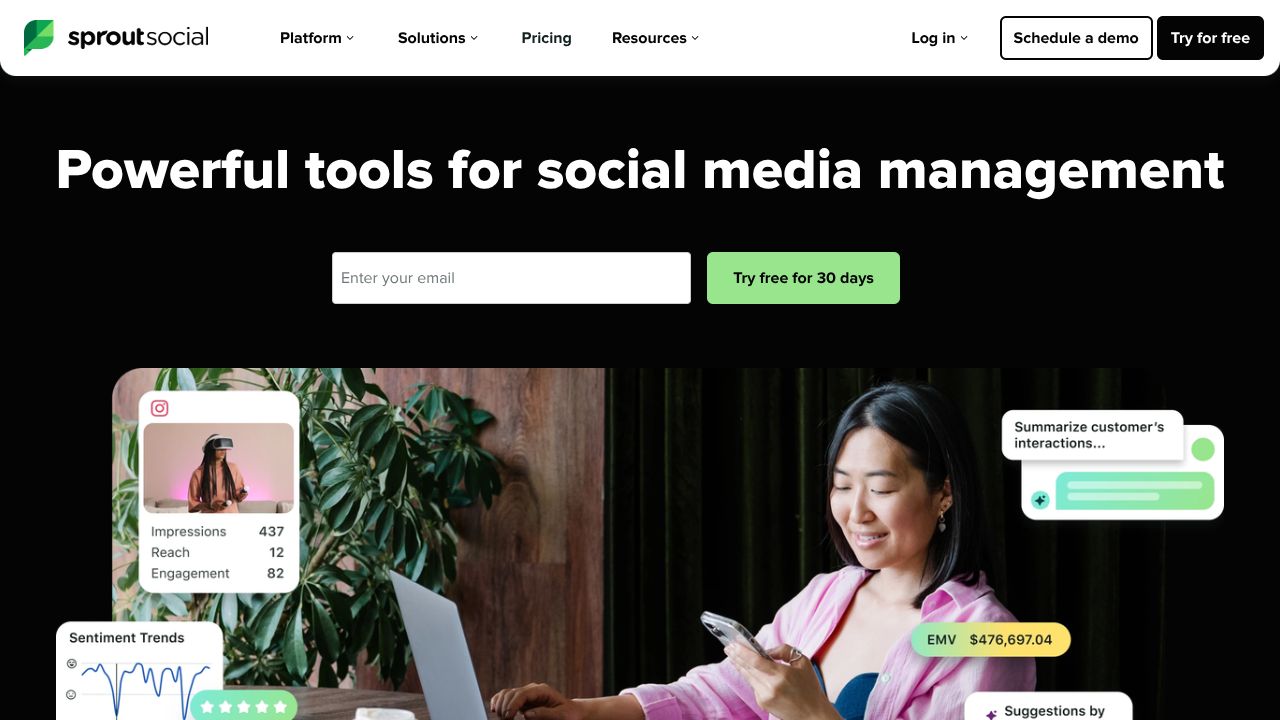
Mastering Social Media at Scale: A Power User's Guide to Sprout Social
In the next 10 minutes, I'll show you how to transform your social media chaos into a well-oiled machine. After spending countless hours testing various platforms (and drinking way too much coffee), I've found Sprout Social to be my go-to for managing enterprise-level social presence. While Sked Social focuses primarily on Instagram, Sprout Social offers a broader scope that's perfect for larger teams.
Step 1: Building Your Command Center
- ✓Connect your social profiles (supports all major networks)
- ✓Set up team permissions (crucial for agencies)
- ✓Configure your Smart Inbox filters (this is where the magic happens)
Pro Tip: Unlike Origami Agents, Sprout Social's permission system is granular - I recommend starting restrictive and gradually opening access.
Step 2: Unleashing the Power Features
- ✓ViralPost Scheduling: Let AI determine your best posting times
- ✓Smart Inbox: Unified engagement dashboard (saves me 2 hours daily)
- ✓Asset Library: Create a centralized content hub
I particularly love the Asset Library feature - something I sorely missed when using Creatio for our social workflow automation.
Step 3: Analytics That Actually Matter
- ✓Set up custom report templates
- ✓Configure competitive analysis
- ✓Enable automated tagging for campaign tracking
Fun fact: I once increased our engagement by 47% just by following Sprout's AI-powered recommendations for posting times.
Common Pitfalls I've Learned the Hard Way
- ✓Don't rely solely on automated responses - I learned this after an awkward auto-reply to a customer complaint
- ✓Avoid over-queuing content - leave room for real-time engagement
- ✓Don't ignore the social listening tools - they're gold for content planning
The Competitive Landscape
While Sked Social is your best bet for pure Instagram management, Sprout Social shines in enterprise scenarios. Origami Agents offers more flexible automation, but lacks Sprout's robust analytics. Creatio provides broader business automation but can't match Sprout's social-specific features.
Is Sprout Social Your Perfect Match?
At $199/month per user, Sprout Social isn't cheap - but neither are social media mistakes. I recommend it for:
- ✓Enterprise teams managing multiple brands
- ✓Agencies handling numerous client accounts
- ✓Companies serious about social analytics
Skip it if you're:
- ✓A solo creator (try Sked Social instead)
- ✓Primarily focused on automation (consider Origami Agents)
- ✓Looking for basic scheduling only
Having managed social media for both startups and enterprise clients, I can confidently say Sprout Social is worth every penny if you're operating at scale. The time saved through its Smart Inbox alone justifies the investment - I estimate it saves my team about 15 hours per week in engagement management.
Remember: The best tool is the one you'll actually use. Start with the 30-day trial and focus on mastering one feature at a time. Your future self (and your social media metrics) will thank you.
POSITIVE RESULTS
This specimen shows strong growth potential and is recommended for integration into your growth stack.